
Login problems can happen with almost any mobile app or online platform. If users face issues with IV7 login, the reason may be simple, such as a weak internet connection, outdated app version, wrong password, or temporary server delay. In some cases, login problems may also happen because of security checks or suspicious account activity.
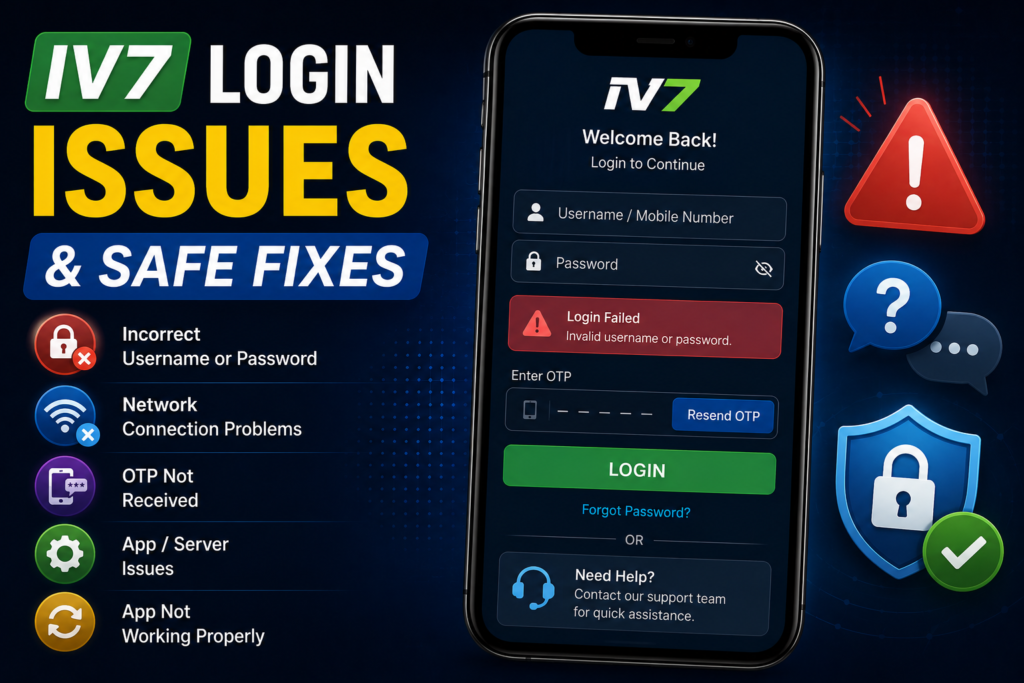
This guide explains common IV7 app login issues and safe troubleshooting steps users can try before seeking official support.
Incorrect Username or Password
The most common reason for login failure is incorrect login details. Users may type the wrong mobile number, username, password, or registered email address.
Before trying multiple times, check:
- spelling
- capital letters
- extra spaces
- saved passwords
- correct registered number or email
Repeated failed login attempts may temporarily lock the account for security reasons. If you are unsure about the password, use the official password reset option instead of guessing repeatedly.
App Version Is Outdated
Older versions of the IV7 Game App may not work properly if the platform has released updates. Login features, security settings, or server connections may change over time.
If the app is not opening or login keeps failing, check whether a newer official version is available. Avoid downloading updates from random websites that advertise IV7 APK Free Download without verification.
Always update from a trusted source.
Poor Internet Connection
A weak or unstable internet connection can prevent login requests from reaching the server. This may show errors such as “login failed,” “server not responding,” or “please try again.”
Try these steps:
- switch from mobile data to Wi-Fi
- restart the router
- turn airplane mode on and off
- check whether other apps are working
- avoid public Wi-Fi for login
A stable connection is important, especially when using account-based apps.
Cache or App Data Problems
Sometimes stored app data can cause login errors. Clearing cache may help refresh the app without deleting important account information.
On Android:
- Go to Settings
- Open Apps
- Select the IV7 app
- Tap Storage
- Clear Cache
If the issue continues, users may clear app data, but they should remember that this may remove saved login sessions from the device.
Account Verification Issues
Some users may be asked to verify their account through OTP, email, or mobile confirmation. If the OTP does not arrive, check whether the registered number is active and has network coverage.
Also check:
- spam folder for emails
- SMS blocking settings
- correct country code
- delayed network delivery
Never share OTPs with anyone. Official support teams should not ask for full passwords or private OTPs.
Device Compatibility Problems
If the IV7 APK is not built for your Android version, login or app loading may fail. Older phones may also struggle with newer app versions.
Check whether your device has:
- updated Android software
- enough storage
- stable RAM performance
- correct date and time settings
Incorrect device time can sometimes affect secure login systems.
Temporary Server Issues
Sometimes the problem is not on the user’s side. The IV7 Gaming Platform may be under maintenance, experiencing traffic load, or updating backend systems.
In such cases, wait for some time and try again later. Avoid uninstalling and reinstalling repeatedly unless official support recommends it.
Security or Suspicious Login Activity
If the platform detects unusual login behaviour, such as login from a new device or different location, it may temporarily restrict access. This is usually done to protect the account.
Users should follow the official verification process and avoid using VPNs if they create login conflicts.
Final Thoughts
Most IV7 login issues can be solved by checking the password, updating the app, improving internet connection, clearing cache, or verifying account details. Users should always use trusted sources for IV7 Download and avoid fake login pages.
Account safety matters. Use strong passwords, protect OTPs, and contact official support if the issue continues.